
Smash N Grab 2.0 by KuzQuality
$9.99
Connect kq_link before configuring vehicle loot and police responses
FiveM resource updates included
Use the filters to cut a broad FiveM catalog down to resources that fit your server. The listing page is where you can verify supported cores, prerequisites, configurable files and delivery terms.
Connect kq_link before configuring vehicle loot and police responses
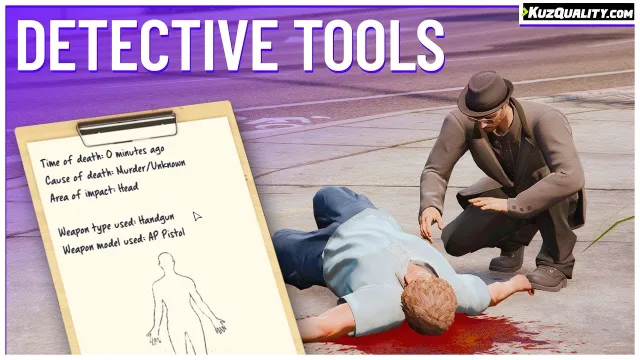
Choose open access or supported job restrictions before enabling scans
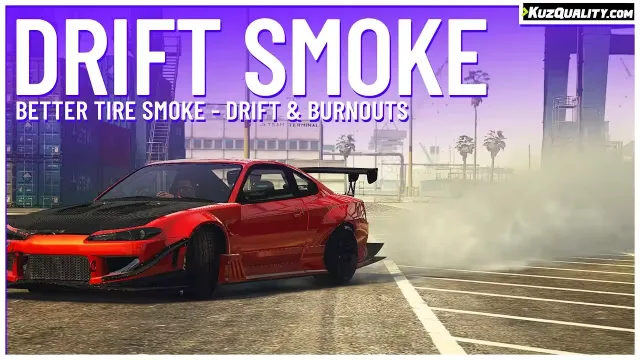
Standalone tire effects with a surface check you control in config
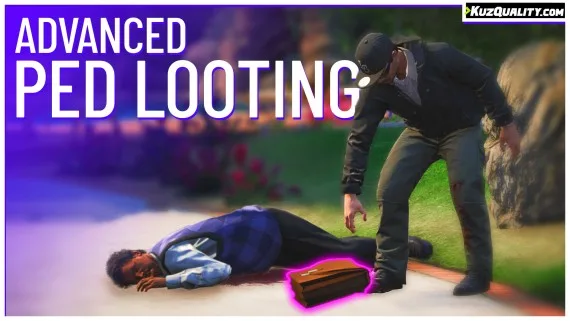
Set ped loot groups and entity overrides before enabling physical drops
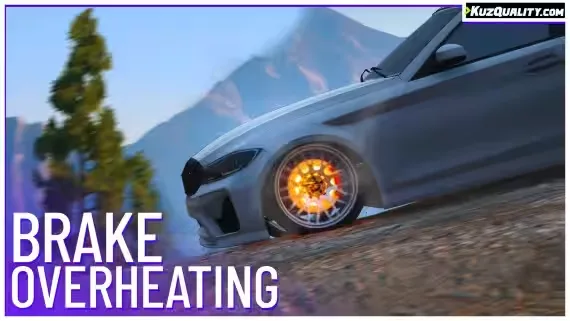
Adjust brake fade and cooling formulas without a framework dependency
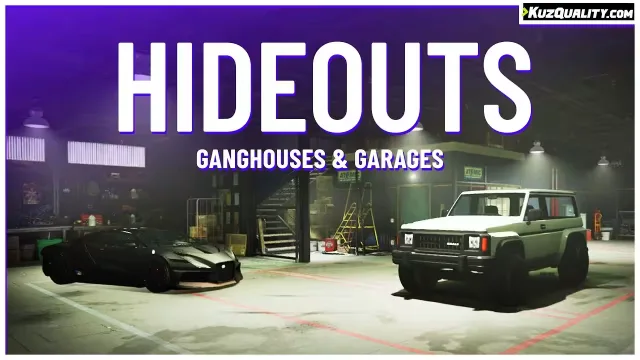
Configure persistent vehicle storage around job access and passwords
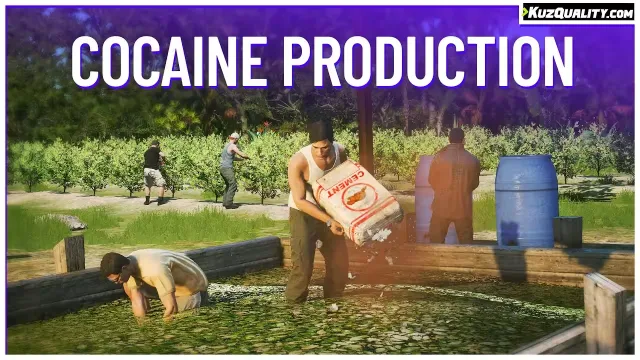
Editable island maps and production timing for your server economy

Configure terrain behavior while retaining the vehicle handling setup
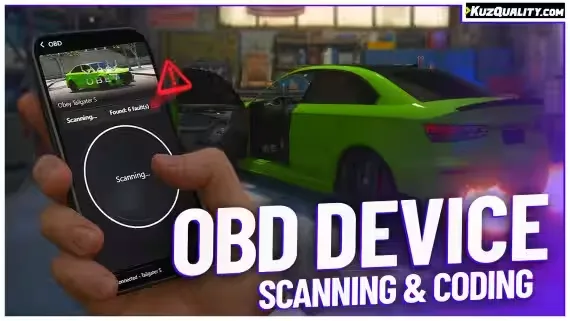
Plug in, pull fault codes, and flash hidden mods
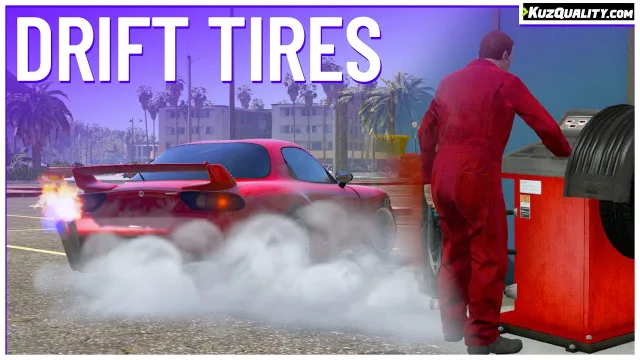
Configure lifts and tire fitting while retaining existing handling files
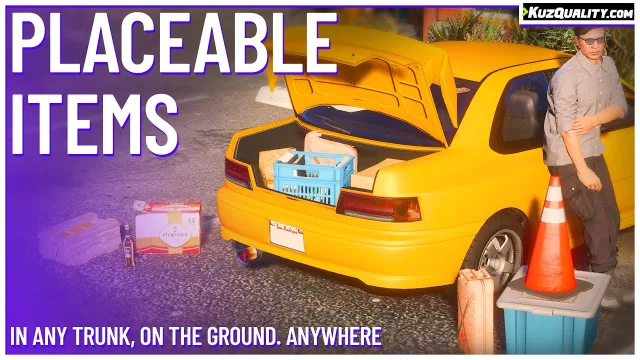
Preserve item metadata while moving inventory objects into the world

Framework independent prompts that align animations to nearby props
The fastest way through a mixed FiveM catalog is to rule out poor fits early. Select the framework that already anchors your server, choose the studio or price range when it matters, and open only the listings that address the system you are replacing or adding.
The QBCore, ESX and Qbox views reflect support declared for each resource. Multi-framework releases can appear in more than one view; standalone tools may work without a roleplay core. Confirm the exact version and bridge requirements on the listing.
Before ordering, note the dependencies, install sequence, protected and editable files, update access and any product-specific terms. If one of those details is missing or ambiguous, ask CfxMods first rather than testing compatibility on a live server.